What it does
Your phone’s sensors, on your bike, analyzed privately on your phone.
See how one corner led into the next, revisit the moments worth a look, and compare a familiar stretch with your own earlier rides. Coaching suggests one thing to work on, drawn from your rides, and explains what each piece of feedback means. The Guide suggests curvy paved roads and loops near you from a road library built into the app (California for now). A real ride on Palomares Road comes with the app, so you can explore before recording your own.
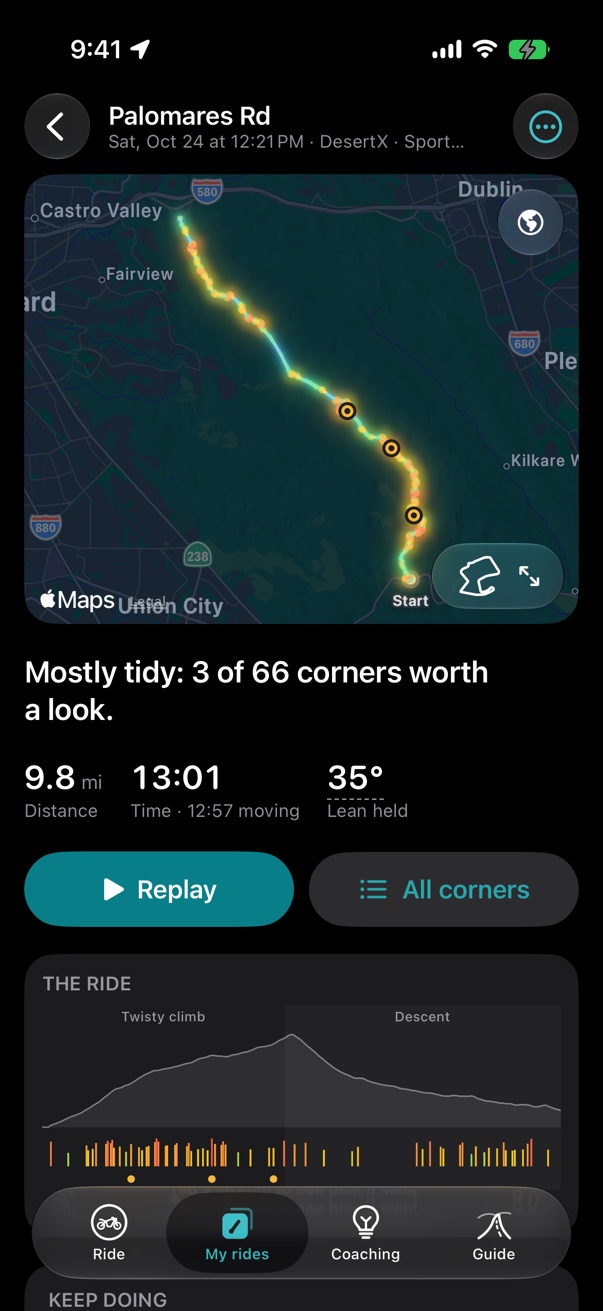
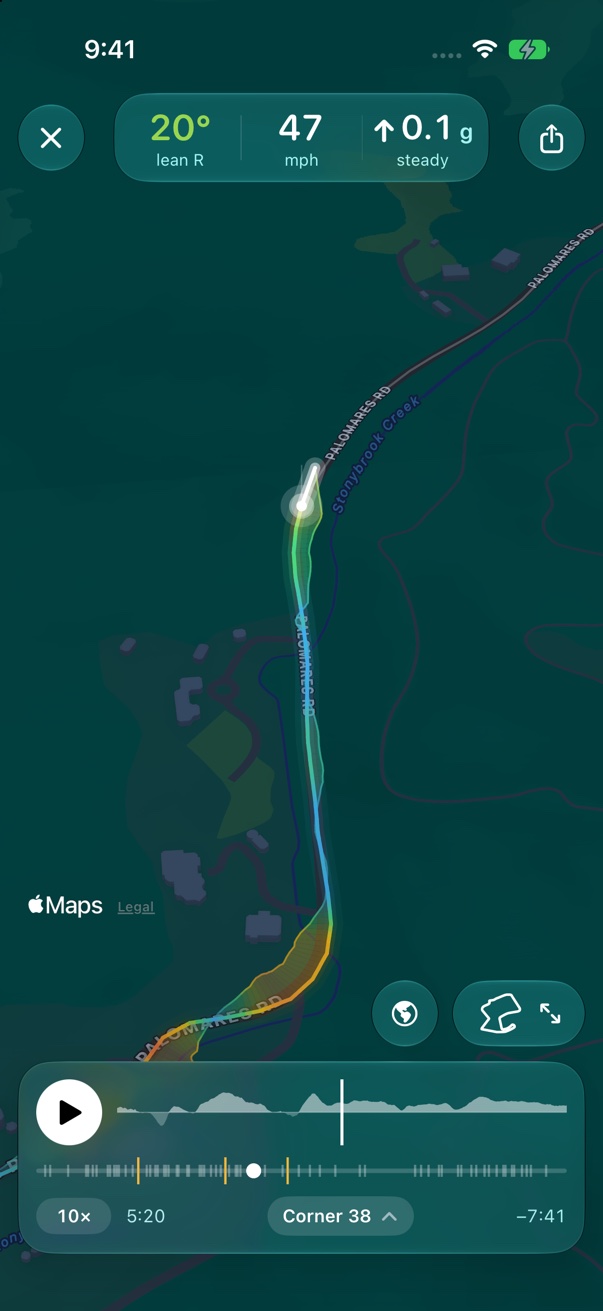
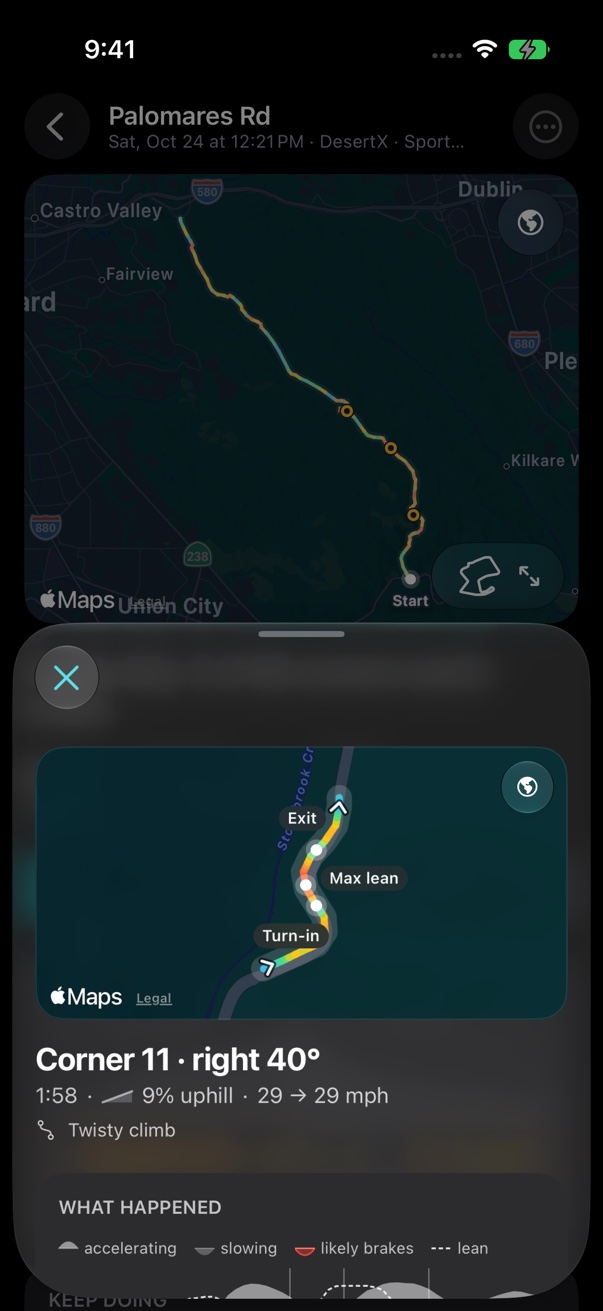
Screens from the current Palomares Road sample that comes with the app.
The beta
Try it on your own bike, and tell us where it’s right and where it’s wrong.
What you need
- An iPhone running iOS 26+.
- A secure motorcycle phone mount that keeps the phone stable. Follow the mount maker’s instructions for your phone and motorcycle.
- Apple’s TestFlight app and an invitation when the beta is ready.
- A few rides of 20 minutes or more over the next few weeks.
- Optional: an iPad to review rides on a bigger screen. Choose the same iCloud Drive folder in Garage on both devices; the iPad doesn’t record.
Ride safely
- Mount the phone and start recording while parked. Keep your attention on the road, and park before using the app’s on-screen controls or reviewing a ride.
- Lean and other numbers are estimates from the phone’s sensors. They can be wrong, and finding out where is part of the test.
- This is a test version. It may crash or lose a ride.
- Ride your ride and learn a bit more about how you do it!
What we’d like you to do
Five steps
- Set up before you ride. Add your motorcycle and mount, allow location and motion, and start the recording before you set off.
- Ride normally, with the screen locked if that’s what you usually do, or with navigation or another app in front. Recording should keep going in the background; if it ever stops, that’s one of the most useful things to tell us. Stop the recording when you’re parked.
- Review your ride afterward: the replay, the corners worth a look and the report. Does it match how the ride felt?
- Optionally send a ride for review. In the ride’s ⋯ menu, choose Send for review, check what the file contains in the privacy policy, and email it to beta@palomares.app.
- Tell us how it went. After two or three rides, email what worked, what felt wrong, and anything that was confusing. TestFlight feedback is useful for bugs and screenshots.
Feedback and ride submissions are optional. You can use the beta without sending a ride. Check screenshots and attachments before sending them: they may include places, notes or other details you want to keep private.
Your rides and your privacy
Your rides stay yours.
The details are in the privacy policy.
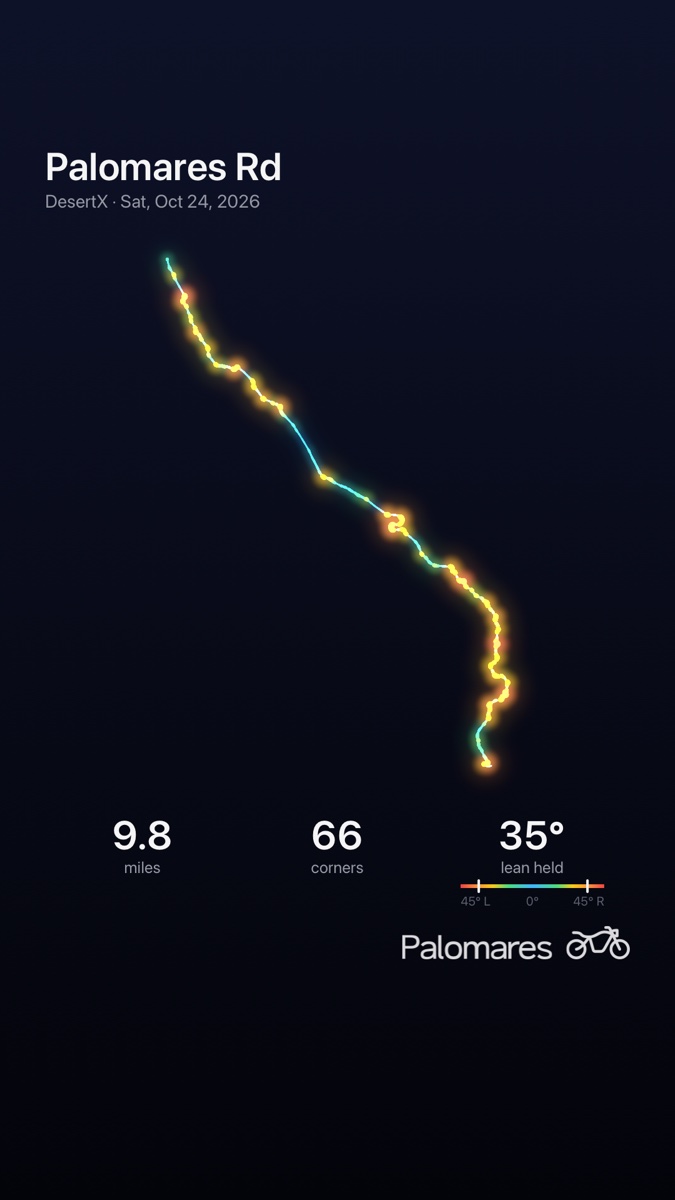

The first beta is by invitation
There’s no public join link yet. An invitation will arrive by email when a build is ready for your group.
Feedback
Email beta@palomares.app with your phone and iOS version, bike and mount, whether recording worked, and whether the replay and report matched how the ride felt.
For a bug, include what you were doing and what you expected. You can also send a screenshot or crash feedback through TestFlight. Send a review ZIP only if you want help looking at a particular ride.